
HNC Remote
HNC Remote – Your Phone is Now Your Remote
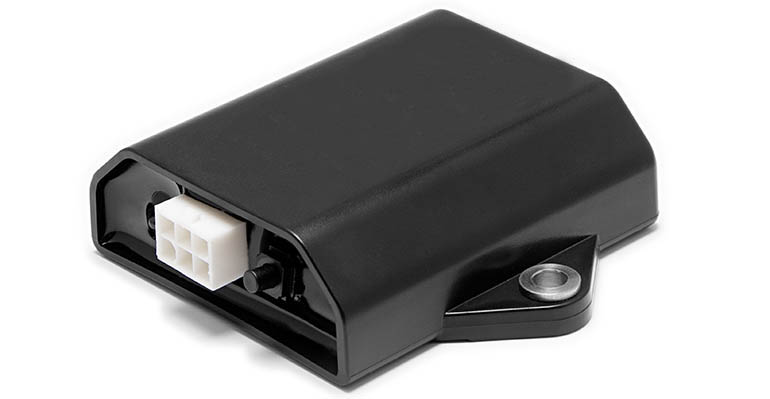
• By adding HNC's Bluetooth® receiver module, you can control your HNC products via your smartphone or similar device using the HNC Remote app.
• You no longer need to worry about cable length or tangled wires.
• No more bending down to retrieve the original hand control if it falls to the vehicle floor. Use the app and leave the original control in its holder.
• HNC Remote is an extremely easy-to-use wireless auxiliary control solution that perfectly complements the original hand control.
• Furthermore, you can even operate your HNC products remotely.

Step 1 – Install the Receiver Module
• Have your installation technician fit the module to the system to connect the receiver module for your compatible HNC product.

Step 2 – Download the App
• Complete the setup by downloading the HNC Remote app to your smartphone from the App Store or Google Play.
Step 3 – Connect and Start Using
• Pair your smartphone or smart device with the receiver module and start using your HNC product as a hand control straight away.
